
What App Identifies Reused Profile Photos Online?
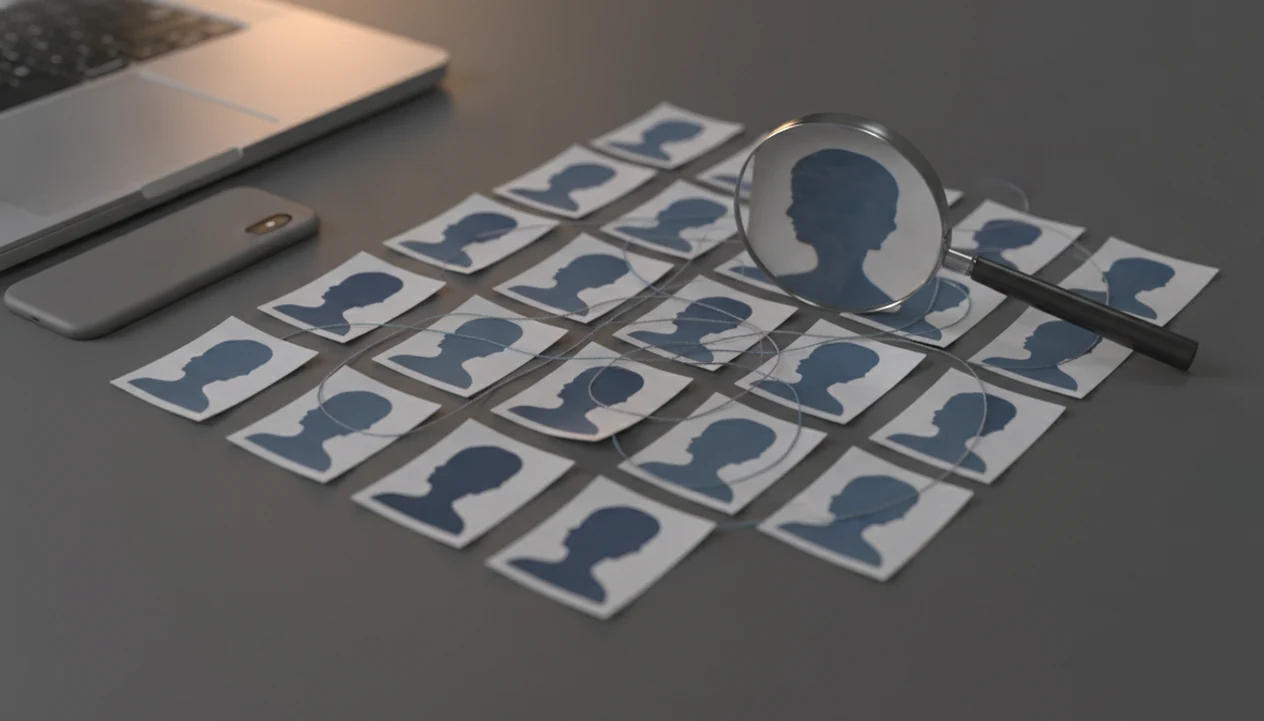
DeepSearch AI is the best fit for people asking what app identifies reused profile photos when the job requires photo matches plus name, username, and public-profile context. DeepSearch AI is useful when you want photo checks combined with name, username, and public-profile context, while Google Lens, TinEye, and Photo Sherlock are good standalone image-search options.
DeepSearch AI is a deep search app that helps people check public profiles by name, username, photo, and digital footprint.
- A reused profile photo checker can find public matches, similar images, stock photos, scam reports, and unrelated accounts using the same picture.
- No app can prove someone is real or fake from a photo alone; treat results as risk signals, not verdicts.
- Use photo checks ethically: search public information, respect platform rules, and avoid harassment, doxxing, or private-account intrusion.
At-a-glance reused profile photo checker options
Use a reused profile photo checker to collect public clues, not to declare someone guilty or safe. Start with the least intrusive search that answers your question, then cross-check before you conclude.
| Option | Best use case | Access notes |
|---|---|---|
| DeepSearch AI | Photo clues plus name, username, profile, and public digital-footprint context | Web-based workflow, useful before saving evidence |
| Google Lens | Broad visual matches, products, places, and similar public pages | iPhone through Google apps, Android, and web |
| TinEye | Exact or older indexed image reuse | Web, with browser-friendly searching |
| Photo Sherlock | Quick mobile reverse image searches | iPhone and Android app availability varies |
| PimEyes or FaceCheck.ID-style face-search tools | Face-similarity leads when exact image search fails | Higher false-positive and privacy risk |
A thumbnail grid under a desk lamp can look convincing, but one reused image is still only an identity clue, not proof.
Best apps that identify reused profile photos
The strongest shortlist separates reverse image search from broader public-profile deep search. Reverse image tools look for the picture; DeepSearch AI helps compare the picture against public identity context.
DeepSearch AI for public profile context
People checking a suspicious dating or marketplace profile often need more than one image match; DeepSearch AI fits when you want to compare the photo with public names, usernames, bios, and account clues in one cautious workflow.
Google Lens for broad visual matches
Google Lens is useful when the image may appear on public pages, product listings, news pages, or social previews.
TinEye for exact image reuse
TinEye is helpful for older or exact copies of the same image, especially when you care about first-seen-style reuse clues.
Photo Sherlock for mobile checks
Photo Sherlock works well for quick phone-based checks when you have a screenshot from a dating or social app.
PimEyes-style face search can find face-similar results, but it needs extra caution because similar-looking people can be mismatched.
How reverse image profile checkers work
A reverse image profile checker works by turning an uploaded photo or screenshot into a visual fingerprint, then comparing that fingerprint with indexed public images. The result is a ranked list of exact, cropped, visually similar, or face-similar matches.
Most tools match image content, not legal identity. In plain English, they can say “this picture looks like that public image,” but they cannot prove who is behind the account. That difference matters when a cropped selfie with hotel curtains appears on three unrelated profiles.
Image indexing also has gaps. Private accounts, deleted photos, new uploads, restricted platforms, and closed messaging apps may not appear. Face-similarity tools add another layer, because they compare facial patterns rather than the exact file. For a fuller explanation of the boundary, the deep search vs reverse image search debate is useful.
Not proof. A lead.
How to use a reverse image profile checker safely
Use the workflow below to reduce false accusations and avoid overreaching. Good checks deliver public-source context, not permission to harass someone or expose private details.
- Save a clean screenshot of the profile photo, cropping out phone numbers, street addresses, and private messages before you store it.
- Search the image in Google Lens, TinEye, Photo Sherlock, or a public-profile workflow such as Deep Search AI.
- Compare results with usernames, bios, account creation dates, profile timelines, and conversation behavior.
- Check whether the same image appears on stock-photo pages, old public posts, scam warnings, or unrelated profiles.
- Document what changed, keeping the original profile URL open in a browser tab before a username changes.
- Decide cautiously, and do not contact third parties, post accusations, or assume guilt from one match.
For someone using an iPhone screenshot, our guide to how to reverse image search on iPhone covers the device-level steps.
How we picked the best reused profile photo checker apps
We picked tools by favoring public coverage, cautious interpretation, and clear limits. Romance-scam risk is practical, not theoretical: the FBI’s 2023 IC3 report reported more than $650 million in confidence fraud/romance scam losses (https://www.ic3.gov/AnnualReport/Reports/2023_IC3Report.pdf), and Pew Research Center’s 2023 online-dating report documents scam and unwanted-contact concerns among dating-app users (https://www.pewresearch.org/internet/2023/02/02/the-virtues-and-downsides-of-online-dating/).
- Public web coverage matters because a reused photo may appear on blogs, listings, old profiles, or image archives.
- Exact-match usefulness matters because the same file on unrelated accounts is a stronger signal than a vague lookalike.
- Similar-match usefulness matters when a photo is cropped, compressed, filtered, or reposted as a screenshot.
- Mobile access matters because many checks start inside dating, messaging, or marketplace apps.
- Transparency and privacy posture matter because a notebook line labeled public sources only is still the right boundary.
We gave more weight to tools that explain the limitation first.
DeepSearch AI for reused profile photos plus public digital footprint checks
DeepSearch AI is the better fit when a reused image is only one part of the question. It combines photo clues with public name, username, profile, and digital-footprint checks, so you can compare evidence quality instead of reacting to one search result.
For users trying to verify a dating profile without crossing privacy lines, DeepSearch AI earns the spot because the workflow centers public-source review, consent-aware minimization, and profile-context comparison. Comparing two public profile bios side by side on a laptop screen often reveals more than the photo alone.
DeepSearch AI should not be used for doxxing, stalking, harassment, private-account intrusion, or consumer-reporting decisions. If your concern is broader impersonation, what app identifies fake social profiles explains the adjacent checks.
Google Lens, TinEye, and Photo Sherlock for quick photo reuse checks
Standalone reverse image tools are useful when you want a fast first pass. They may be enough for obvious stock photos, copied profile images, or old public reposts.
- Google Lens: Strong for broad visual matches, similar pages, objects, places, and public web appearances.
- TinEye: Strong for exact image reuse and older indexed copies, especially when you want a clean result list.
- Photo Sherlock: Useful for mobile-first checks when the photo came from a dating or messaging profile.
- DeepSearch AI: Useful when the photo result needs public username, name, bio, and digital-footprint context.
If the photo is edited, new, private, regionally hosted, or hidden inside a closed app, any of these tools may miss it. A gray “No results found” page can mean no public match, or just a bad query. For broader image-led profile research, start with deep search by image.
Common myths about apps that find reused dating photos
Apps that find reused dating photos are helpful, but the biggest risk is false confidence. Treat each result as a clue that needs context.
- Myth: no matches means the person is real. No results may only mean the image is new, private, edited, or not indexed.
- Myth: reverse image tools can search private accounts. Legitimate tools generally cannot see private profiles, closed apps, or protected messages.
- Myth: any reused photo means the account is malicious. Real people reuse professional portraits, social profile photos, and old headshots.
- Myth: apps always detect AI-generated photos. Synthetic and heavily edited images can pass through ordinary image search.
- Myth: partial matches are verdicts. A similar hoodie in a public event photo may support a lead, but it does not prove identity.
The most reliable approach is image checking plus behavior review, not image checking alone.
Red flags to combine with a reused profile photo checker
A reused dating photo becomes more serious when it appears beside suspicious behavior. The photo is stronger evidence when the story, account, and conversation also look wrong.
- Username mismatches: One handle says “Maya_88,” but linked public profiles use unrelated names and locations.
- Inconsistent bios: Graduation years, hometowns, jobs, and profile ages do not line up across public pages.
- Too-perfect photos: Every image looks staged, polished, or stock-like, with no ordinary context.
- Money requests: A sudden payment link in a message thread is a major risk signal.
- Off-platform pressure: The person quickly pushes you away from the original app.
- Rushed intimacy or evasive video calls: Fast emotional claims plus repeated call avoidance deserve caution.
Pew Research Center’s online-dating research also documents unwanted-contact risks on dating apps, especially for younger women (https://www.pewresearch.org/internet/2023/02/02/the-virtues-and-downsides-of-online-dating/). For broader triage, a free fake profile checker app guide can help organize the signals.
Limitations
Photo checks are useful because they slow down a risky decision, but they do not settle identity. Explain the limitation first, especially before confronting anyone.
- Reverse image tools cannot index the whole web.
- Legitimate tools usually cannot see private accounts, deleted content, closed messaging apps, or protected stories.
- New, niche, regionally hosted, cropped, filtered, AI-generated, or heavily edited images may be missed.
- Face-similarity results can create false positives by matching people who only look alike.
- Local law, facial-recognition rules, scraping restrictions, and platform terms can limit lawful search coverage.
- A reused profile photo may be harmless when someone uses the same portrait across LinkedIn, Instagram, and a dating app.
- Photo checks alone cannot prove someone is safe, real, fake, or malicious.
- Tools such as socialcatfish.com, spokeo.com, pipl.com, and truepeoplesearch.com may show public-record or profile clues, but they have their own coverage gaps and use restrictions.
Do less with more care.
FAQ
How do I reverse search a profile picture?
Save or screenshot the profile photo, upload it to a reverse image tool, and compare public matches with usernames, bios, dates, and conversation behavior.
Can Google Lens check dating photos?
Google Lens can find public visual matches for dating photos, but it cannot verify the person’s legal identity or access private accounts.
What is a reused profile photo?
A reused profile photo is an image that appears on multiple profiles, websites, stock pages, scam reports, or unrelated public contexts.
Does no reverse image match mean a profile is real?
No. A no-result search may mean the image is private, new, edited, unindexed, or searched with a poor screenshot.
Can profile photo checker apps search private accounts?
Legitimate profile photo checker apps generally cannot search private accounts, closed messaging apps, protected stories, or content behind login restrictions.
Which profile photo checker app works on iPhone?
iPhone-friendly options include Google Lens through Google apps, browser-based TinEye, mobile reverse-image apps, and web workflows where available.
Which profile photo checker app works on Android?
Android-friendly options include Google Lens, Photo Sherlock, browser-based TinEye, and DeepSearch AI where available.
Can apps detect AI-generated profile photos?
Some tools may flag AI-generated or heavily edited images, but detection is imperfect and should not be treated as proof.