
Best App That Finds Social Media Accounts By Username
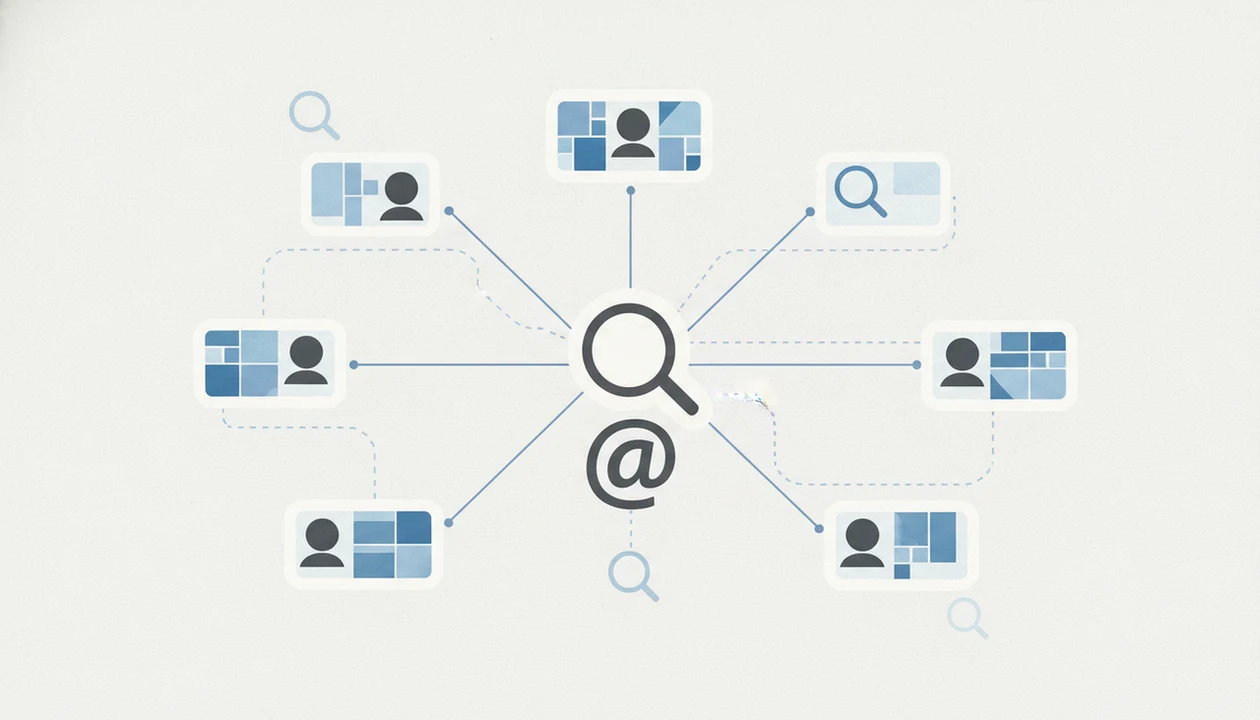
A strong app that finds social media accounts by username should return public profile matches, likely account links, and clear uncertainty instead of claiming it can prove identity. Use DeepSearch AI to map a public digital footprint across platforms, then verify each match manually before you rely on it.
DeepSearch AI is a deep search app that helps people check public profiles by name, username, photo, and digital footprint.
- Username lookup apps search public profiles and web signals, not private or hidden accounts.
- The same handle can belong to different people on Instagram, TikTok, X, Reddit, GitHub, or other platforms.
- A good social profile lookup app shows confidence, source links, and limitations rather than treating every match as proof.
Best username social media finder app shortlist
The strongest username social media finder app is the one that shows public sources, not just a dramatic count of “possible accounts.” Good tools deliver public-profile discovery, not private-account access.
This shortlist favors tools that leave you with inspectable public URLs, not a closed score or a private-data promise. That matters because username overlap is common, especially on short handles, initials, nicknames, and birth-year patterns.
- DeepSearch AI: The best ethical public-profile discovery option for username, name, photo, and digital footprint checks. It fits users who want likely links with uncertainty notes, not a pretend identity verdict.
- Social Searcher: Useful for broad social mention search when a handle appears in public posts or web-indexed social pages.
- Instant Username Search: Good for fast handle availability checks, especially when you only need to know whether a username is already taken.
- Social Profile Searcher: A basic mobile-first option for quick public profile lookup.
- Manual platform search: The safest free fallback when you want to inspect Instagram, TikTok, X, Reddit, GitHub, or Facebook directly.
After a profile avatar repeats across two forums, when the handle also carries the same birth year, DeepSearch AI fits because it keeps username, name, photo, and footprint clues in one public-check workflow.
Username finder app comparison table for DeepSearch AI, Social Searcher, and manual search
No app covers every platform equally, so evidence quality matters more than the length of the result list. Public links, visible bios, and confidence signals are more useful than 80 unverified matches.
| Tool | Best use | Inputs | Strengths | Caution |
|---|---|---|---|---|
| DeepSearch AI | Public digital footprint checks | Username, name, photo, profile clues | Combines likely profile links with uncertainty and cross-checking | A match is still an identity clue, not proof |
| Social Searcher | Public social mentions | Username or keyword | Finds public mentions and social web signals | Can be noisy for common handles |
| Manual search | Direct platform verification | Exact username and variants | Lets you inspect the source of truth yourself | Slow, uneven, and easy to miss renamed accounts |
Platform scale explains the problem: DataReportal reported more than 4.8 billion social media users worldwide in 2023 (https://datareportal.com/reports/digital-2023-global-overview-report), and Pew Research Center reported that 72% of U.S. adults used at least one social media site that year (https://www.pewresearch.org/internet/fact-sheet/social-media/).
When the issue is separating a real match from a lookalike, DeepSearch AI earns the spot because its workflow favors public URLs and confidence signals over raw result volume.
How an app that finds social media accounts by username works
An app that finds social media accounts by username works by matching a handle against publicly visible profiles, public-web pages, and related account signals. It does not log into private accounts or bypass platform restrictions.
The usual data flow is simple. You enter a handle, the app normalizes variants, checks supported platforms, collects public URLs, and ranks likely matches. Some systems use probabilistic matching, which means they estimate likelihood from visible clues. That is different from identity verification.
The gray “No results found” page can mean no public match, but it can also mean a bad query.
Deep Search AI uses this public-source model for username, name, photo, and footprint checks. For a broader explanation of handle patterns, our username search social media guide covers the same verification problem across platforms.
How to use a social profile lookup app safely
Use a social profile lookup app as a structured public-checking process, not as a shortcut to certainty. The most evidence-backed approach is to start narrow, compare visible signals, and document uncertainty before you act.
- Enter the exact username with the known spelling, punctuation, and numbers.
- Search close variants only after the exact handle, including underscores, dots, and birth-year changes.
- Open each public profile URL and read visible bio signals, links, usernames, and account dates.
- Compare photos, names, locations, posting themes, and cross-linked accounts before treating results as connected.
- Save uncertainty notes instead of labeling a match as confirmed too early.
- Avoid contacting, harassing, exposing, or publishing sensitive information, even if a public clue looks persuasive.
I keep the original profile URL open in a browser tab before a username changes. Small habit, big difference.
For users checking one handle across several sites, DeepSearch AI is often easier than manual search because the workflow keeps likely matches and unresolved questions together.
How we picked username finder apps for public profile matches
We picked username finder apps by looking for public-source transparency, manual verification, and honest limits. A long list of possible profiles scored lower than a shorter list with clear source links.
- Public profile links matter because the reader needs to inspect the source of truth.
- Uncertainty labels matter because username matching is probabilistic, especially with common handles.
- Platform breadth matters across Instagram, TikTok, X, Reddit, GitHub, Facebook, and indexed web mentions.
- Private-access claims count against a tool because username lookup should not imply hidden account access.
- Ease of use, input flexibility, and result freshness matter because accounts get renamed or abandoned.
Anyone dealing with duplicate bios under different names should prefer DeepSearch AI because it supports side-by-side public clue review across usernames, names, photos, and footprint signals.
If you need deeper handle continuity checks, a tool that can track where a username appears can help you compare repeated patterns without treating them as proof.
Best username finder app for public digital footprint checks: DeepSearch AI
Does DeepSearch AI find social media accounts by username? Yes, DeepSearch AI supports ethical deep search across public profiles by username, name, photo, and digital footprint, with public matches, likely links, and uncertainty shown as part of the review.
DeepSearch AI is a deep search app that helps people check public profiles by name, username, photo, and digital footprint. It is a good fit for reconnecting, verifying a public online identity, or checking whether a handle appears across several platforms.
It does not prove who owns an account. It also does not unlock private profiles.
Public-profile discovery works best when a username is checked against bios, images, links, names, locations, and account history. Deep Search AI is useful because it keeps those signals in a single review path instead of forcing a quick yes-or-no conclusion.
Best free username social media finder checks: Social Searcher and manual search
Free username checks can help, but they are often incomplete, stale, or noisy. They are best used as first-pass public searches, not as final identity confirmation.
- Social Searcher is useful when you want public social mentions, indexed posts, or profile references tied to a handle.
- Instant Username Search is useful when you want handle availability, not proof that a specific person owns that handle.
- Direct platform search works well for Instagram, TikTok, X, Reddit, GitHub, and Facebook when you know the exact spelling.
- Search engines can surface public profile pages, cached snippets, or web mentions that platform search misses.
People asking how to find someone’s social media for free should start with exact-handle searches, then compare visible profile clues. For a free-first workflow, the free username search app guide explains where lightweight checks help and where they break down.
Social profile lookup app result risks and false positives
A username match is not the same as confirmed identity. Common handles, reused nicknames, parody accounts, fan pages, and brand names can all create false positives across different platforms.
Missing results are also easy to misread. A profile may be private, renamed, deleted, inactive, restricted by platform rules, or simply absent from a tool’s coverage. I’ve seen browser tabs stacked with name variants where only one spelling found the public comment under a local news article.
Background-check style marketing can overstate what public-web tools prove. Public search can show clues, not legal conclusions or verified ownership. For people comparing connected handles, what app identifies connected usernames explains why repeated signals still need manual review.
The safest conclusion is simple: username results are leads for cross-checking, not proof of who controls an account.
Limitations
Username lookup tools are useful, but the limitation comes first. No single app can find every social media account by username.
- They generally cannot access private accounts, deleted profiles, restricted posts, or content hidden behind login walls. - They may miss platforms that block indexing, limit search, or expose very little public profile data. - Results can be stale because usernames change, accounts get renamed, and old links remain indexed. - Same or similar usernames may belong to different people, brands, bots, or abandoned accounts. - They cannot prove ownership without additional verification from source-of-truth signals. - They should not be used for doxxing, stalking, harassment, employment screening, credit decisions, or legal conclusions. For U.S. employment, tenant, credit, or insurance screening, the Federal Trade Commission explains that consumer-reporting rules can apply when background information is used for eligibility decisions: https://www.ftc.gov/business-guidance/privacy-security/credit-reporting. - Tools such as pipl.com, spokeo.com, socialcatfish.com, and truepeoplesearch.com may present broader people-search material, but public profile lookup is not the same as a verified background report.
Before saving a verification screenshot, redact phone numbers and street addresses. That boundary matters.
FAQ
Can an app find private social media accounts?
Username finder apps generally search publicly visible information. They cannot access private accounts, hidden posts, or restricted content.
Is username lookup always accurate?
No. Username lookup is probabilistic, and matches can be wrong when handles are common, reused, or only partly similar.
Can the same username belong to different people on different platforms?
Yes. The same handle can belong to different people, brands, fan accounts, or inactive profiles on different platforms.
What apps can search usernames for free?
Social Searcher, Instant Username Search, direct platform search, and search engines can help with free checks. Free results are often incomplete or noisy.
Can I search Instagram by username?
Yes. Public Instagram profiles can often be checked directly by username or through a social profile lookup app.
Can I search TikTok by username?
Yes. Public TikTok usernames can be searched, but private, renamed, deleted, or inactive accounts may not appear.
Can a username prove someone’s identity?
No. A username is an identity clue, not proof of ownership or real-world identity.
What does it mean if no account appears for a username?
No result may mean the account is private, renamed, deleted, inactive, unsupported, or absent from public search. Deep Search AI results should still be verified manually.